
March 3, 2026
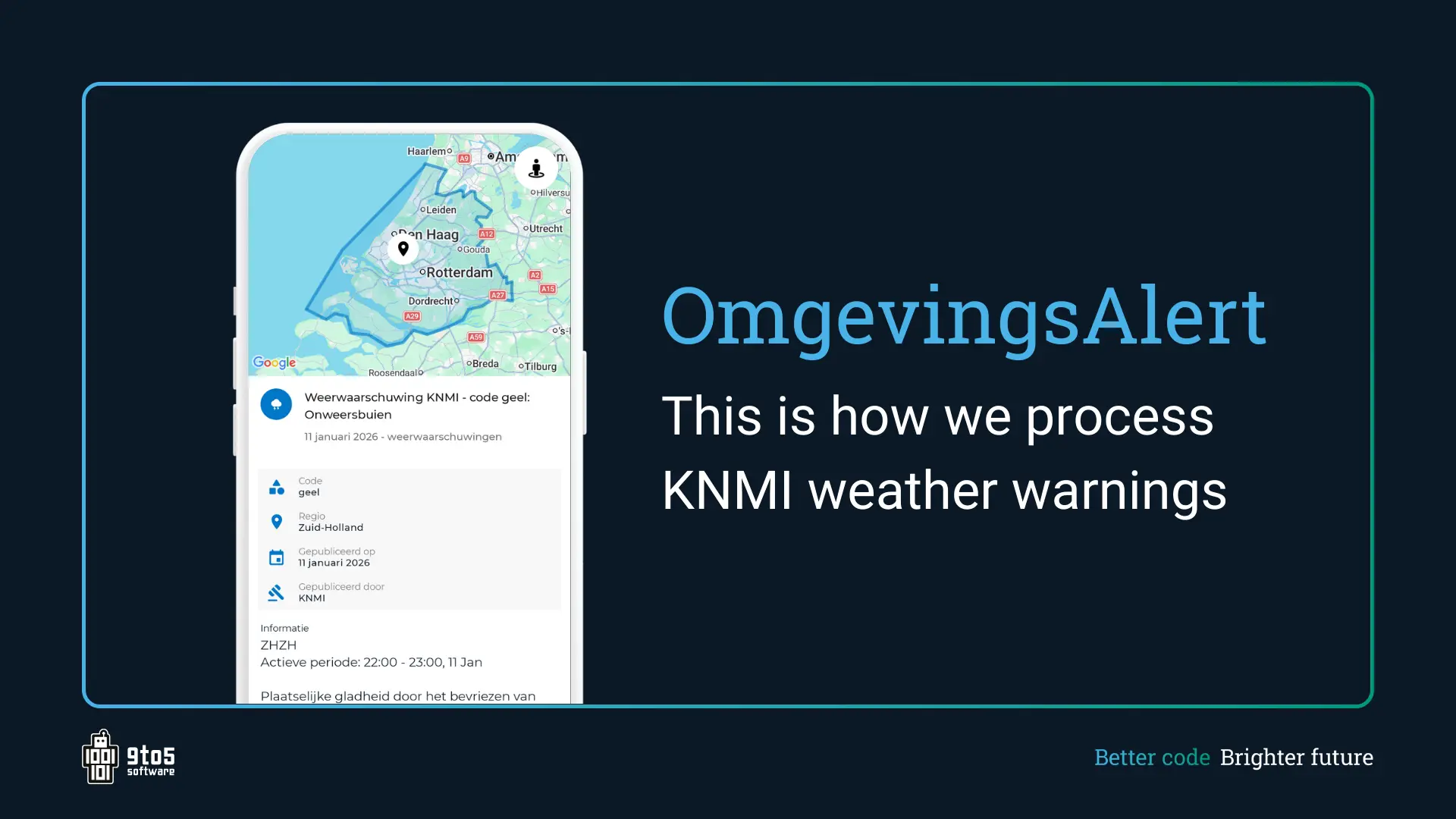
Some time ago, we expanded the OmgevingsAlert app with KNMI weather warnings. As soon as the KNMI issues a yellow, orange, or red alert, our subscribers receive an immediate notification. This way, users stay even better informed about what is happening in their area. But how does this work behind the scenes? In this article, our backend developer Bink explains.
Little cutting, lots of pasting
“Although the KNMI data contains a lot of useful information, unfortunately it doesn’t provide ready-made alerts that we can send immediately. For each hour, every possible phenomenon is shared, such as thunderstorms or wind gusts, including the color code per province and a description of the phenomenon to give nuance to the color code.
To create clear alerts from this, we first extract the relevant information and create small ‘packages.’ These contain the color codes, provinces, and phenomenon. We then bundle these packages into complete alerts with a start and end time. After that, we make them readable and nicely formatted, ready to display in the app. All’s well that ends well, you might say, but the real challenge secretly starts now.”
Fast and accurate
“Ideally, you want to know as quickly as possible when the weather turns bad or even dangerous, but weather is inherently hard to predict. That’s why we check every 10 minutes whether the current KNMI forecast still matches the alerts in OmgevingsAlert. Here’s how we do it:
We compare provinces, color codes, and phenomena from old alerts with new data bundles. If a bundle matches exactly, nothing needs to be changed. For small differences, like a new time interval, we update the current alert, but if, for example, the color code changes, we immediately create a new message and send a notification.”
The rule as an exception
“The weather can still surprise us, which brings exceptional situations. Short alerts can combine into a long one, or a long alert can split into multiple short ones. Also, alerts previously issued may no longer be valid.
To handle this, we maintain a list of all old alerts, and each new bundle is compared against it. Overlapping alerts are removed from the list and updated to the new time interval. If multiple alerts merge, they are all adjusted in one iteration to the same time interval. This keeps alerts clear and helps users understand what happened with previous expectations.
A splitting alert is recognized in only one bundle; the second bundle is treated as a new alert so the user receives a notification for it. At the end, any old alerts that do not match a new bundle are removed to prevent outdated information.
We also account for alerts that have already started. Because the KNMI only provides forecasts for the next 48 hours, bundles always lie in the future. If an alert is already active, the start time is preserved even if the duration needs adjustment. This prevents alerts from continuously shifting.
A special case occurs when an active alert overlaps with a new bundle that starts in the future. In that case, there is no active alert at that moment. The old alert is ended, and a new alert is created.
Thanks to this system, we can continuously display up-to-date alerts, even in complex situations, while users always maintain a clear overview of what is happening.”
A fun challenge
“It took a few iterations to properly handle all these situations. But that’s exactly what made improving the weather alerts such a fun challenge! We have a certain perspective, but ultimately it is the user who must experience the value. In any case, we are very happy with it, and now we hope it really makes an impact!”